

Your agent is more efficient with the CLI than with MCP.
The connectors.hu CLI isn't your tool, it's your AI agent's. Built for Marveen, OpenClaw, and Hermes-style multi-agent systems: a token-efficient, pipeable data channel where the agent reads, writes, and combines.
$ curl -fsSL https://connectors.hu/install.sh | sh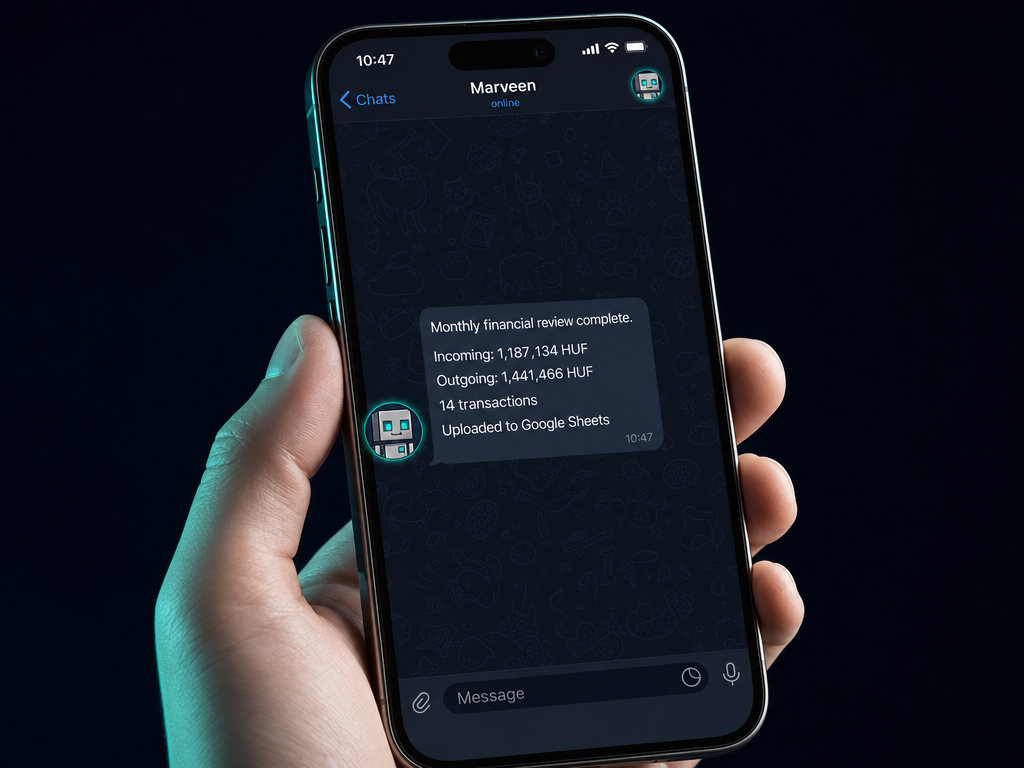
MCP connects to the agent's "mouth." The CLI connects to its "hands."
Token-efficient
With MCP, every data call lands inside the AI context, spending tokens every time. The CLI calls the connectors.hu API directly; the agent only receives the finished result. No unnecessary context bloat.
Cache-friendly
The agent stores data ahead of time. Marveen runs the fetch at 23:00; by morning it's working with today's balance. No live queries needed.
Pipeable
The agent combines, filters, exports. JSON by default, --csv flag, --select filtering. The entire Unix toolchain is at the agent's disposal.
Instant response
No AI overhead, no loading time. The agent issues a command, gets data immediately, and acts. Essential for autonomous loops.
Marveen, OpenClaw, and Hermes-style systems run this every day.
1. Marveen fleet: delegation and parallel execution
Marveen coordinates, 5 agents each receive tasks simultaneously, each working on its own CLI data channel. MCP talks to the AI, CLI talks to the data.
# Coordinator script (run by Marveen)
$ PENDING=$(connectors nav query_invoice_digest \
    --dateFrom 2026-05-01 \
    | jq -r '.invoices[] | select(.status=="PENDING") | .id')

$ for id in $PENDING; do
    connectors minicrm update_contact \
      --externalId "$id" --status "NAV_PENDING" &
  done
$ wait
Sync complete: 14 records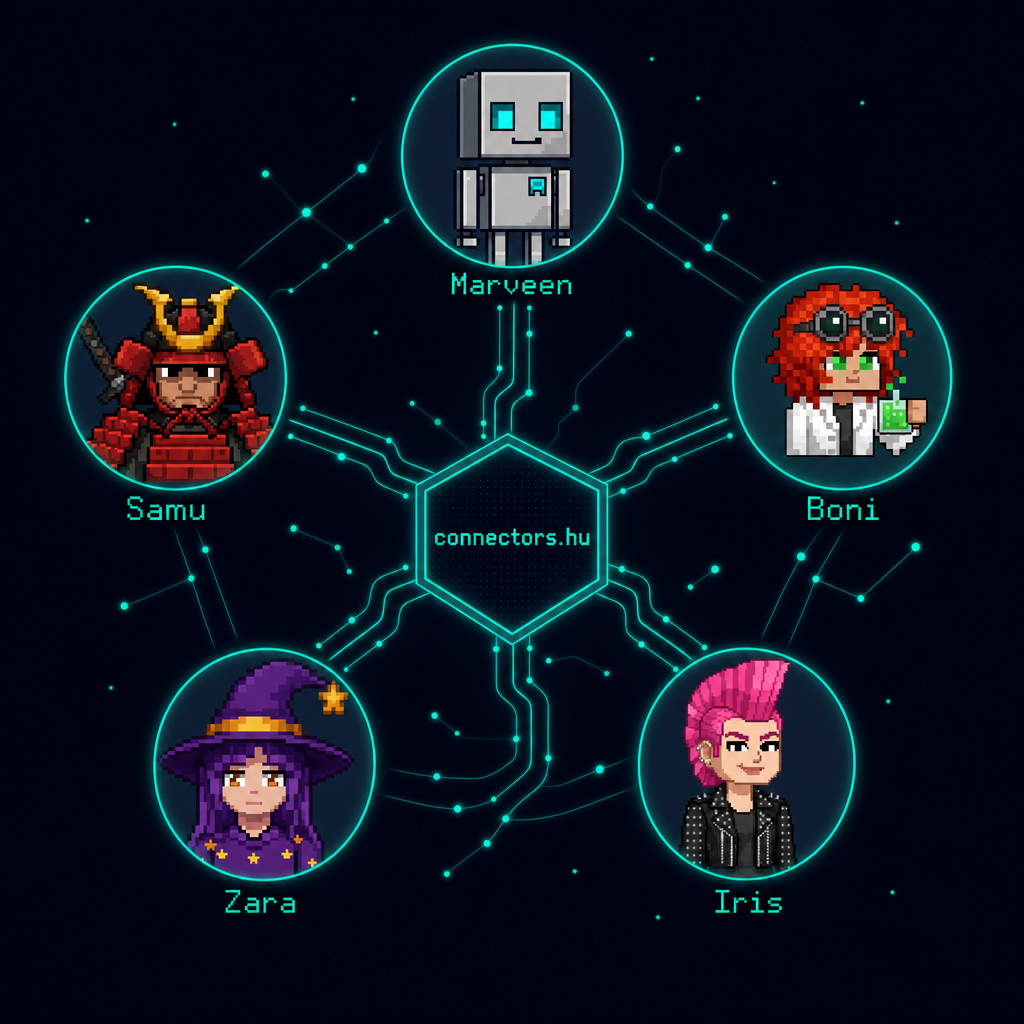
2. OpenClaw-style autonomous loop, no human in the loop
The scheduled loop runs every night; the agent compares data against the previous day and only alerts when something changes. No human involved.
# /etc/cron.d/connectors-nightly  →  0 23 * * *
$ TODAY=$(date +%Y%m%d)
$ YESTERDAY=$(date -d yesterday +%Y%m%d)

$ connectors wise list_balances \
    > /var/snapshots/balances-$TODAY.json

$ diff /var/snapshots/balances-$YESTERDAY.json \
       /var/snapshots/balances-$TODAY.json \
    | grep "^[<>]" \
    | notify-telegram "Wise balance changed"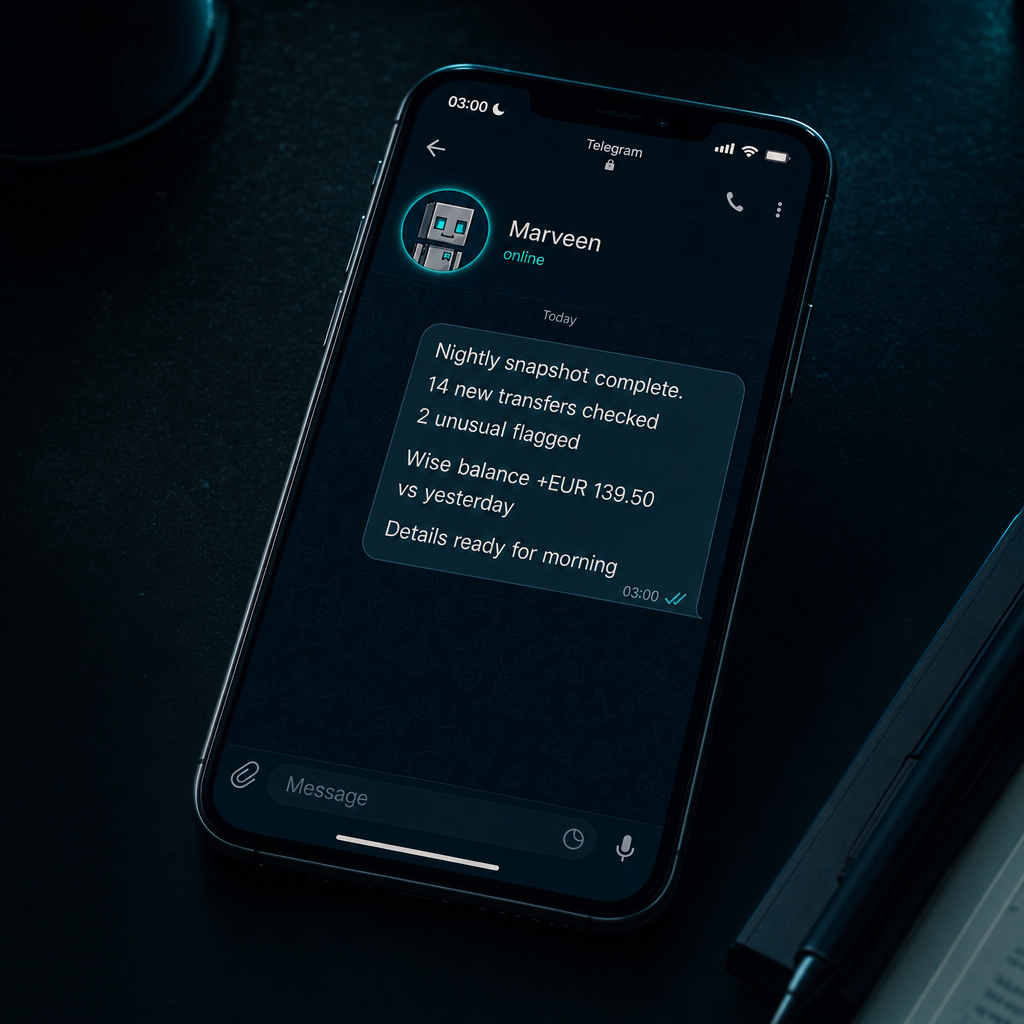
3. Hermes-style multi-layer coordination, each layer calls its own CLI
A generator agent delegates sub-tasks to sub-agents; each runs its own CLI query. Results aggregate back to the primary agent.
# cron: 0 6 1 * *
$ connectors wise list_transfers \
    --createdSince $(date -d "last month" +%Y-%m-01T00:00:00Z) \
    --csv >> /tmp/monthly-report.csv

$ connectors billingo list_invoices \
    --month $(date -d "last month" +%Y-%m) \
    --csv >> /tmp/monthly-report.csv

$ python3 summarize.py /tmp/monthly-report.csv | \
    gsheet-append "Monthly Cash Flow"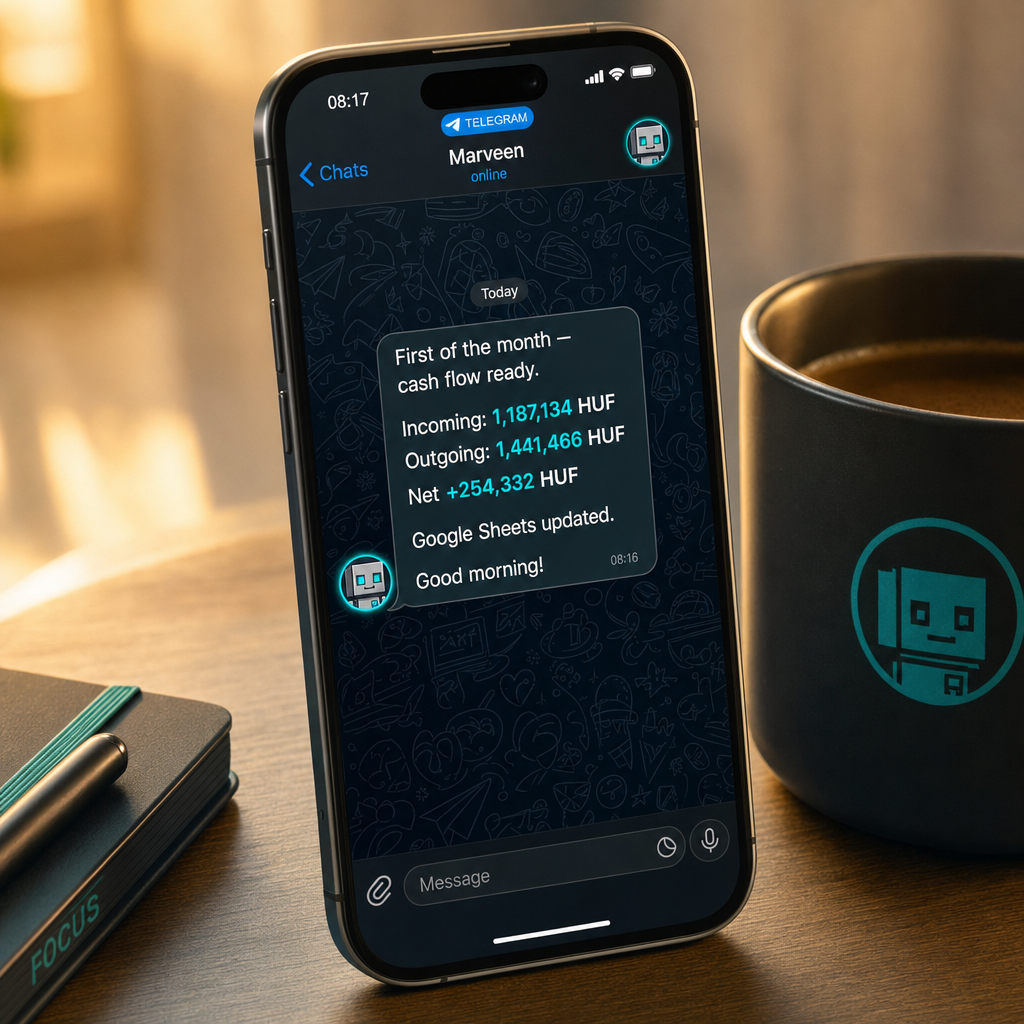
Give it to your agent, it installs, configures, and stands ready.
No need to open a terminal. Give this one prompt to your AI agent and it will walk you through the full installation.
Hey, help me install the connectors-cli.

(1) Run: curl -fsSL https://connectors.hu/install.sh | sh
(2) Ask me for my connectors.hu API key (cnk_ prefix)
(3) Export it as CONNECTORS_HU_TOKEN in the environment
(4) Run: connectors sync
(5) Let me know when it's ready and we'll start using it
One copy-paste, and your agent is configured.
3 steps and your agent is running.
# 1. Install (macOS, Linux, Windows WSL)
$ curl -fsSL https://connectors.hu/install.sh | sh

# 2. Set your API token (copy it from the dashboard)
$ export CONNECTORS_HU_TOKEN=cnk_xxxxxxxxxxxxxxxx

# 3. Sync
$ connectors sync
✓ 6 connectors loaded (nav, billingo, minicrm, unas, falai, wise)

# 4. First query
$ connectors wise list_balances
Get your token on the dashboard: connectors.hu/dashboard
Installs to ~/.local/bin/connectors on Linux and macOS. Works on Windows WSL too.
Production infrastructure, not a demo.
The connectors.hu CLI is part of the aiamindennapokban.hu ecosystem. Built as a daily-use tool by Szabolcs Szota, AI consultant, and tested in the field by a 350-member Hungarian Skool community.
"AI a mindennapokban", practical, Hungarian-language AI content on YouTube.
Innovative people in the Skool community use these tools in their daily work.
Marveen, Boni, Iris, Zara, and Samu, all running on the connectors.hu CLI for daily data sync. This isn't a demo: it's the actual tool our agents work with.
 Marveen
  Zara
Zara  Samu
Samu  Boni
Boni  Iris
Iris