MiniCRM
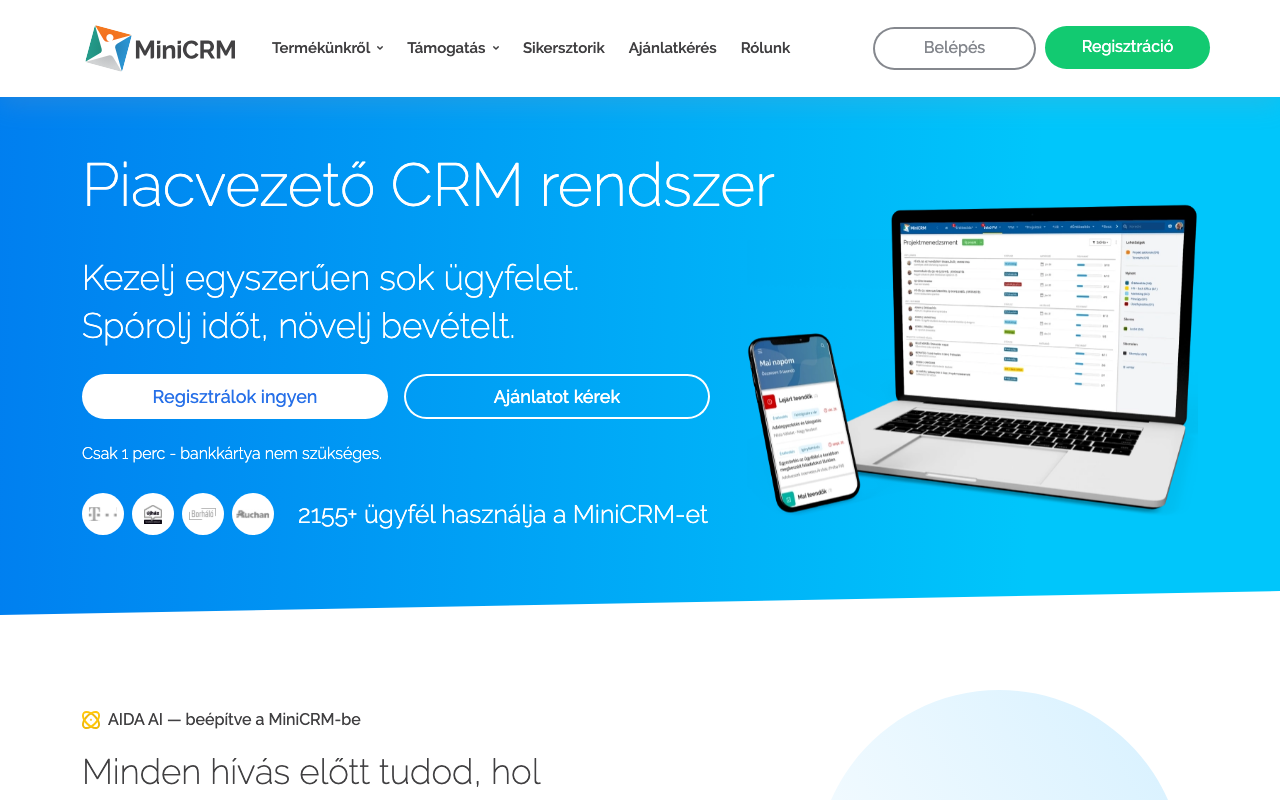
The MiniCRM connector lets your AI manage contacts, projects, tasks, offers, and invoices, in plain language.
Credentials
All data is protected on the server with AES-256-GCM encryption.
Write operations
Decide whether your assistant can only read, or also make changes through this connector.
Enable write tools
Read tools (lists, queries) are always available. When enabled, write tools (create, update, delete) become available too. Transactional calls are logged for 90 days.
Affected write tools (12)
create_contact: Create a new contact (Person) or company (Business).update_contact: Update an existing contact or company.delete_contact: Delete a contact (Person only).create_project: Create a new opportunity card.update_project: Update an opportunity card (status, fields, owner).create_todo: Create a new task on a card.update_todo: Update a task (comment, deadline, status).create_order: Create a new order with items.order_action: Change order status (Finalize, Edit, Complete, Paid, Storno).create_offer: Create a new offer with items and pricing.create_invoice: Create a new invoice with items.invoice_action: Change invoice status (Paid, Storno).
Danger zone
Removing the connector deletes the saved credentials. This cannot be undone.
Available tools (25)
These are the tools your assistant can invoke on this connector, in plain language.
Query (13)
These tools only read: they fetch data and never change anything.
list_categoriesList all product categories (modules) in MiniCRM.
claude >What categories do we have?get_contactGet detailed data for a contact or company by ID.
claude >Show me contact #1234search_contactsSearch contacts/companies by name, email, phone, or custom fields.
claude >Find all contacts named Kovacslist_addressesList all addresses for a contact or company.
claude >What addresses does Kovacs Kft have?get_projectGet detailed data for an opportunity card (project).
claude >Show me project #890search_projectsSearch opportunity cards by category, status, contact, or custom fields.
claude >List all active sales projectsget_project_schemaGet the field schema for a product category.
claude >What fields are available in Sales category?get_todoGet detailed data for a task by ID.
claude >Show task #456list_todosList tasks for a card. Filter by Open, Closed, or All.
claude >List open tasks on project #890list_templatesList email/todo/sms templates for a category.
claude >What templates are available?get_orderGet order details by ID.
claude >Show order #101get_offerGet offer details by ID.
claude >Show offer #202get_invoiceGet invoice details by ID.
claude >Show CRM invoice #303
Actions (12)
These tools create or modify data. Query tools are always available; write tools can be toggled in the connector settings.
create_contactCreate a new contact (Person) or company (Business).
claude >Add contact: Nagy Peter, nagy@example.comupdate_contactUpdate an existing contact or company.
claude >Update Peter's phone numberdelete_contactDelete a contact (Person only).
claude >Delete contact #567create_projectCreate a new opportunity card.
claude >Create a sales project for Kovacs Kftupdate_projectUpdate an opportunity card (status, fields, owner).
claude >Move project #890 to "Won" statuscreate_todoCreate a new task on a card.
claude >Add task: call client tomorrow at 10update_todoUpdate a task (comment, deadline, status).
claude >Mark task #456 as donecreate_orderCreate a new order with items.
claude >Create an order for Kovacs Kftorder_actionChange order status (Finalize, Edit, Complete, Paid, Storno).
claude >Finalize order #101create_offerCreate a new offer with items and pricing.
claude >Create an offer for 500,000 HUFcreate_invoiceCreate a new invoice with items.
claude >Issue invoice for order #101invoice_actionChange invoice status (Paid, Storno).
claude >Mark CRM invoice #303 as paid
MiniCRM is one of Hungary's leading CRM systems. The AI connector can read and write: manage contacts, track projects, create tasks, and access offer and invoice modules.
For developers
A raw MCP call through the endpoint. Your assistant does not need this: a sentence from Available tools is enough for it.
MCP call example
{
  "connector": "minicrm",
  "action": "...",
  "params": { ... }
}
You can find the MCP endpoint URL on the API keys page.