

UNAS
Manage your webshop with AI, products, orders, stock, and categories
UNAS is one of Hungary's leading webshop platforms. The connector uses an API key and gives your AI agent full shop admin capabilities: products, orders, customers, category trees, warehouses, and newsletter, without manual login.
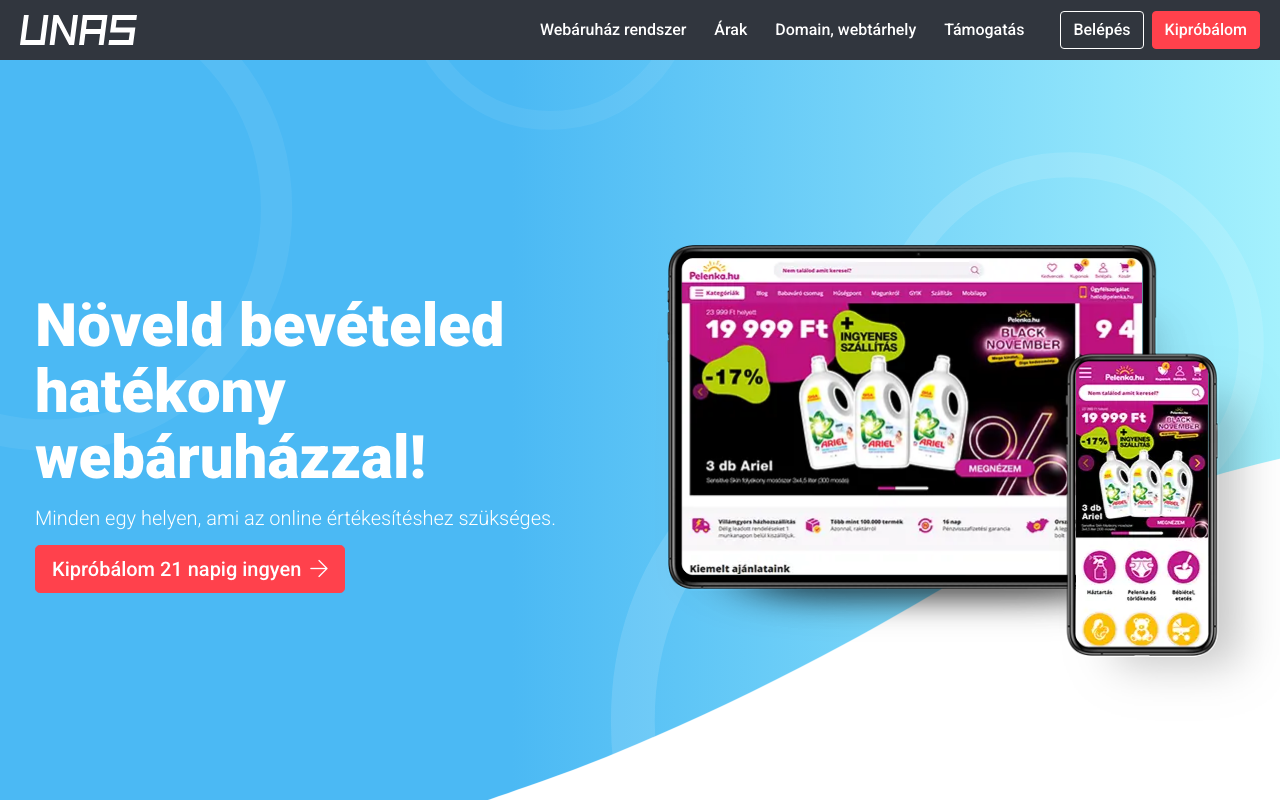
Screenshot of the UNAS interface
What can you do with it?
No coding, no API docs. Just plain English.
Order tracking
"What orders came in today?", instant overview with shipping details.
Product management
"Set the Bluetooth speaker price to 12,990 HUF and make it active", one sentence, done.
Stock overview
"Which products have less than 5 in stock?", alerts before you run out.
Newsletter management
List subscribers, add new ones, filter unsubscribed.
Available Tools (12)
Every tool can be invoked in natural language through your AI assistant.
Query (7)
These tools only read: they fetch data and never change anything.
get_shopGet shop information (name, URL, contact details, settings).
claude >What are my shop settings?get_productsGet products. Filter by ID, SKU, status, category, or date range.
claude >List all active productsget_ordersGet orders. Filter by ID, status, date range, or customer email.
claude >Show orders from this weekget_customersGet customers. Filter by ID, email, or date range.
claude >Find customer by email kovacs@example.comget_categoriesGet product categories. Filter by ID or parent category.
claude >Show the category treeget_storageGet storage/warehouse locations and stock levels.
claude >List my warehousesget_newsletter_subscribersGet newsletter subscribers. Filter by email or status.
claude >How many active subscribers do I have?
Actions (5)
These tools create or modify data. Query tools are always available; write tools can be toggled in the connector settings.
set_productCreate or update a product. Set price, stock, status, description, category.
claude >Set product SKU-123 price to 9,990 HUFset_orderUpdate an order. Set status, tracking number, tracking URL, or add comments.
claude >Mark order #567 as shipped with trackingset_categoryCreate or update a product category.
claude >Create category "Summer Sale"set_storageCreate or update a storage/warehouse location.
claude >Add warehouse "Budapest raktar"set_newsletter_subscriberAdd or update a newsletter subscriber.
claude >Add newsletter subscriber peter@example.com
How to use your AI
Copy any of these commands into your AI assistant:
3 steps and you're done
Add your UNAS credentials, copy the MCP URL, and your AI agent can query your data instantly.
Sign up and connect UNASNo credit card. No hidden fees. Free tier stays free.