

MiniCRM
Query clients and projects, through your AI
MiniCRM is one of Hungary's leading CRM systems. The AI connector can read and write: manage contacts, track projects, create tasks, and access offer and invoice modules.
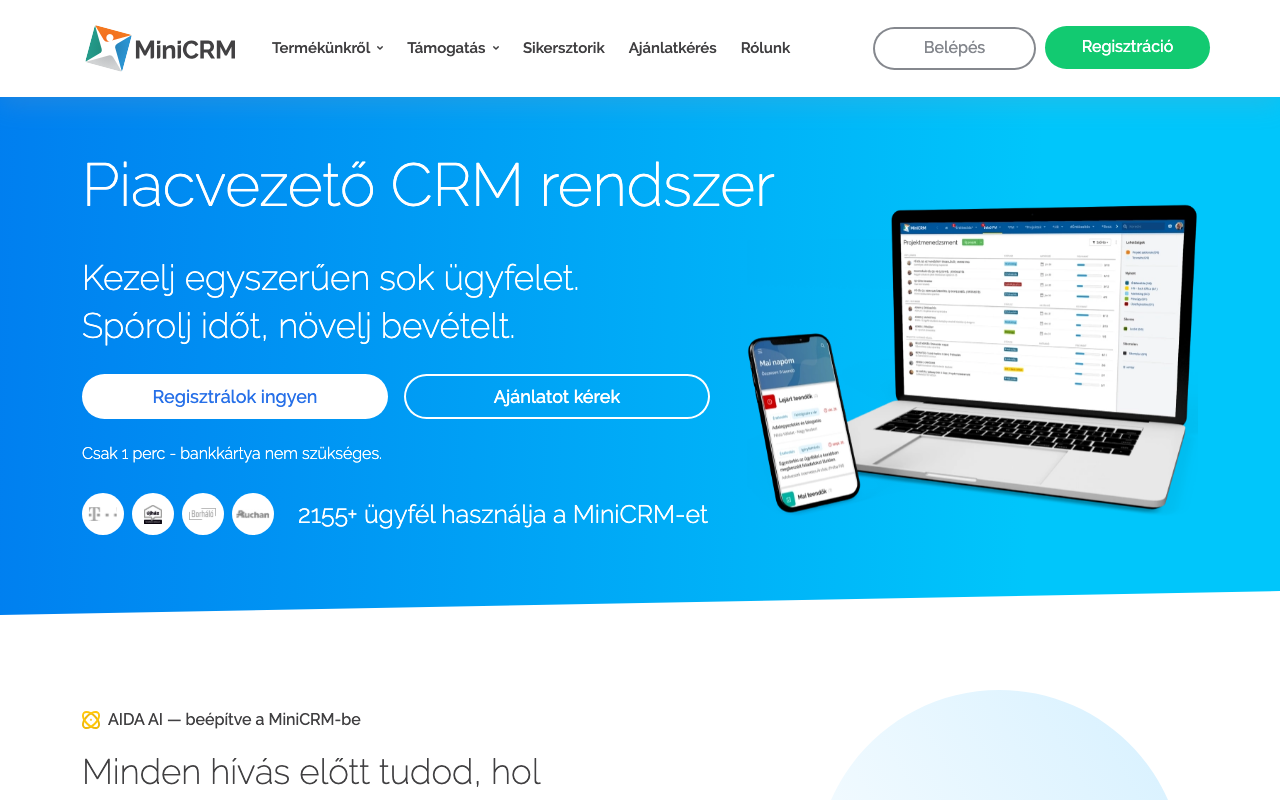
Screenshot of the MiniCRM interface
What can you do with it?
No coding, no API docs. Just plain English.
Contact search
Find any contact by name, email, phone, or any custom field.
Project tracking
Ask about your project statuses, next tasks, or filter by category.
Task management
"Create a task on the Kovacs project: follow-up call tomorrow at 10"
Offers & invoices
Create offers, issue invoices, manage orders, directly from your CRM.
Available Tools (25)
Every tool can be invoked in natural language through your AI assistant.
Query (13)
These tools only read: they fetch data and never change anything.
list_categoriesList all product categories (modules) in MiniCRM.
claude >What categories do we have?get_contactGet detailed data for a contact or company by ID.
claude >Show me contact #1234search_contactsSearch contacts/companies by name, email, phone, or custom fields.
claude >Find all contacts named Kovacslist_addressesList all addresses for a contact or company.
claude >What addresses does Kovacs Kft have?get_projectGet detailed data for an opportunity card (project).
claude >Show me project #890search_projectsSearch opportunity cards by category, status, contact, or custom fields.
claude >List all active sales projectsget_project_schemaGet the field schema for a product category.
claude >What fields are available in Sales category?get_todoGet detailed data for a task by ID.
claude >Show task #456list_todosList tasks for a card. Filter by Open, Closed, or All.
claude >List open tasks on project #890list_templatesList email/todo/sms templates for a category.
claude >What templates are available?get_orderGet order details by ID.
claude >Show order #101get_offerGet offer details by ID.
claude >Show offer #202get_invoiceGet invoice details by ID.
claude >Show CRM invoice #303
Actions (12)
These tools create or modify data. Query tools are always available; write tools can be toggled in the connector settings.
create_contactCreate a new contact (Person) or company (Business).
claude >Add contact: Nagy Peter, nagy@example.comupdate_contactUpdate an existing contact or company.
claude >Update Peter's phone numberdelete_contactDelete a contact (Person only).
claude >Delete contact #567create_projectCreate a new opportunity card.
claude >Create a sales project for Kovacs Kftupdate_projectUpdate an opportunity card (status, fields, owner).
claude >Move project #890 to "Won" statuscreate_todoCreate a new task on a card.
claude >Add task: call client tomorrow at 10update_todoUpdate a task (comment, deadline, status).
claude >Mark task #456 as donecreate_orderCreate a new order with items.
claude >Create an order for Kovacs Kftorder_actionChange order status (Finalize, Edit, Complete, Paid, Storno).
claude >Finalize order #101create_offerCreate a new offer with items and pricing.
claude >Create an offer for 500,000 HUFcreate_invoiceCreate a new invoice with items.
claude >Issue invoice for order #101invoice_actionChange invoice status (Paid, Storno).
claude >Mark CRM invoice #303 as paid
How to use your AI
Copy any of these commands into your AI assistant:
3 steps and you're done
Add your MiniCRM credentials, copy the MCP URL, and your AI agent can query your data instantly.
Sign up and connect MiniCRMNo credit card. No hidden fees. Free tier stays free.