

Google Workspace
Calendar and Gmail from your AI agent, connected to your Google account
The Google Workspace connector authenticates via OAuth 2.0 with your Google account. We store a revocable access token, not an API key. V1 scope: Google Calendar (read + write) and Gmail send. Gmail reading and Google Drive integration come in the next version.
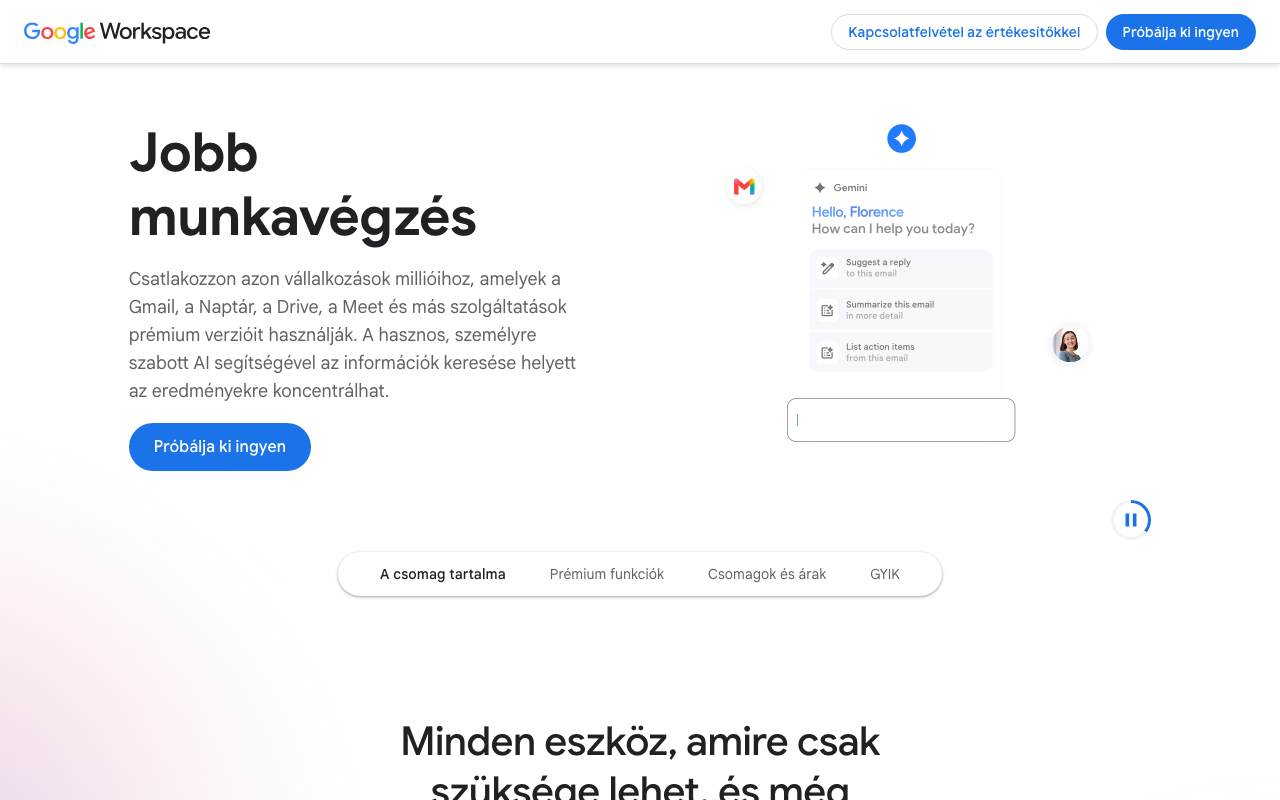
Screenshot of the Google Workspace interface
What can you do with it?
No coding, no API docs. Just plain English.
AI-powered calendar management
"Book a meeting with Attila tomorrow at 10", and your AI agent writes directly to Google Calendar.
Email sending on natural command
"Send a summary of today's meeting to the team", and the AI composes and sends it from Gmail.
Finding free slots
"When is Sára free next week?", and the AI checks shared calendars and suggests times.
Automated notifications
"Once the report is done, email it to the client", and the AI runs the report and sends via Gmail.
Available Tools (4)
Every tool can be invoked in natural language through your AI assistant.
Actions (4)
These tools create or modify data. Query tools are always available; write tools can be toggled in the connector settings.
calendar_list_eventsList calendar events for a time range
claude >What's on my calendar tomorrow?calendar_create_eventCreate a new calendar event
claude >Book a meeting for Monday at 10calendar_delete_eventDelete a calendar event
claude >Delete the Friday 2pm eventgmail_sendSend an email via Gmail
claude >Send the summary to ...@gmail.com
How to use your AI
Copy any of these commands into your AI assistant:
3 steps and you're done
Add your Google Workspace credentials, copy the MCP URL, and your AI agent can query your data instantly.
Sign up and connect Google WorkspaceNo credit card. No hidden fees. Free tier stays free.