

Fal.ai
Generate images, video, and audio from your AI agent, BYOK mode
fal.ai provides access to 600+ generative AI models, from images to video. The connector operates in BYOK mode: it uses your own fal.ai API key, so generated files and billing go directly to you. No middleman, no markup on generations.
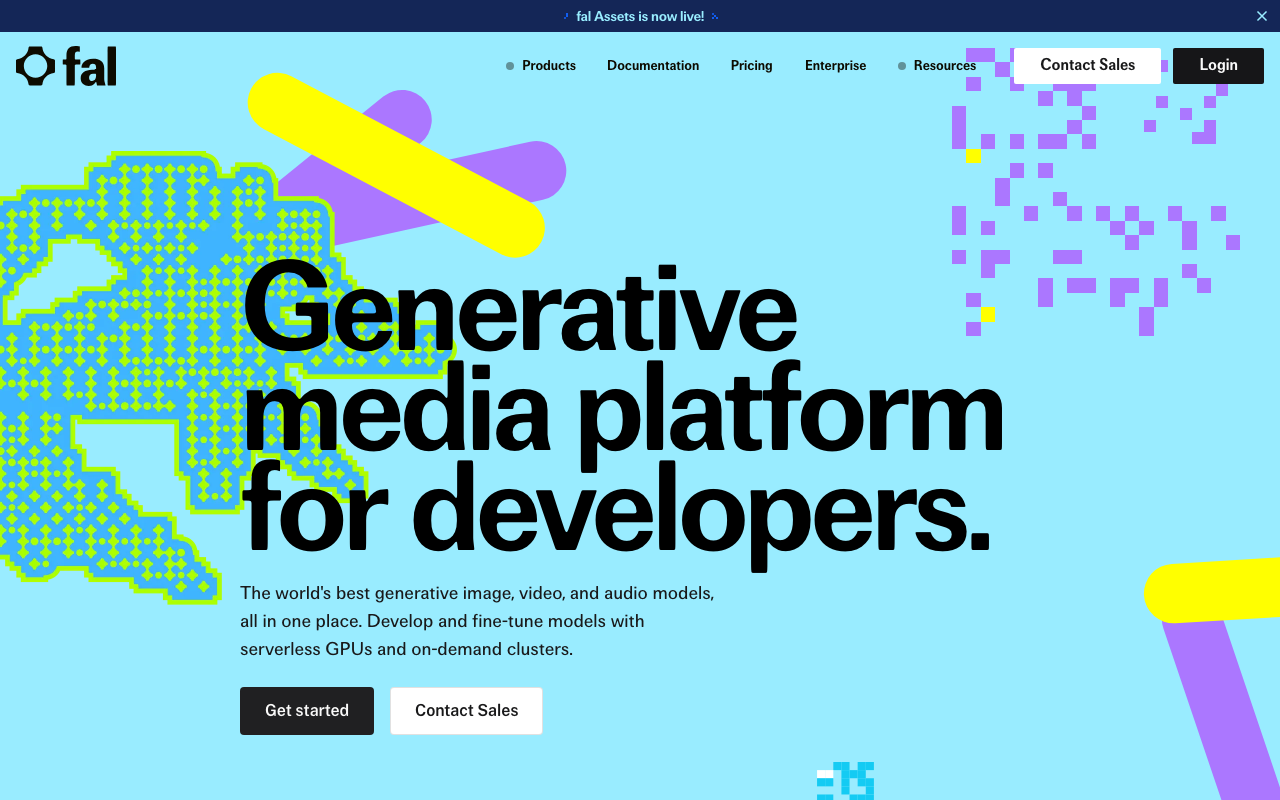
Screenshot of the Fal.ai interface
See what the AI can do
Every image was generated in real time through the MCP connector, from a single text prompt, no code.
Photorealistic images
Studio-quality photos from a single text prompt, from products to buildings.
Design & Typography
Ideogram v2 natively understands text, generating posts and infographics with flawless typography.
Premium models: nano-banana-pro & GPT Image 2
nano-banana-pro (Google Gemini 2.5 Flash Image) and GPT Image 2 (OpenAI) are the most advanced multimodal generators, from photorealistic characters to complex scenes with text.
Creative & Commercial
From character illustrations to e-commerce shots: AI works across every visual style.
What can you do with it?
No coding, no API docs. Just plain English.
Product photos in minutes
"Create a studio shot of the watch on white background, dramatic lighting", done instantly.
Social media content
YouTube thumbnail, Instagram post, LinkedIn cover, from one prompt, brand-consistent.
Illustration & design
From book covers to logo concepts, Ideogram renders text accurately inside images.
Text-to-video
Short animations and video clips with Seedance or MiniSora models, no code required.
Available Tools (8)
Every tool can be invoked in natural language through your AI assistant.
Query (6)
These tools only read: they fetch data and never change anything.
list_modelsList available fal.ai AI models with parameters. Filter by category (image, audio, video, 3d) or search by keyword.
claude >What image generation models are available?check_statusCheck status of a pending generation (especially video). Returns the result if completed.
claude >Is my video generation ready?get_pricingGet pricing information for a fal.ai model.
claude >How much does FLUX Pro cost per image?get_model_schemaGet detailed input/output schema for a model. Shows all parameters with types, defaults, and descriptions.
claude >What parameters does FLUX Dev accept?search_docsSearch the fal.ai model catalog by keyword and/or category.
claude >Find models for image upscalingrecommend_modelGet model recommendations based on a task description.
claude >Which model is best for product photos?
Actions (2)
These tools create or modify data. Query tools are always available; write tools can be toggled in the connector settings.
generateGenerate content using a fal.ai model. Returns inline preview for images/audio, or a request_id for video.
claude >Generate a photo of a sunset over Budapestupload_fileUpload a file to fal.ai CDN for use as input in generation calls.
claude >Upload this image for img2img generation
How to use your AI
Copy any of these commands into your AI assistant:
3 steps and you're done
Add your Fal.ai credentials, copy the MCP URL, and your AI agent can query your data instantly.
Sign up and connect Fal.aiNo credit card. No hidden fees. Free tier stays free.